You can keep a record of multiple source extract SQL and its description. You can also update it as per your requirements.
To update source extract SQL, follow these steps:
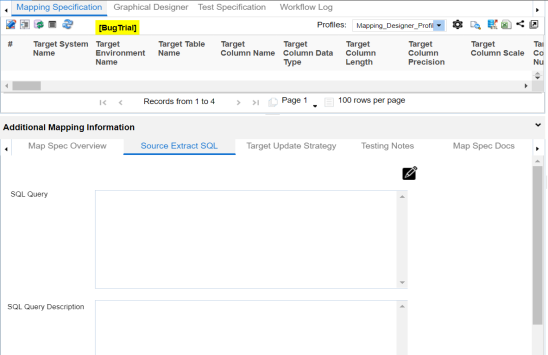
- In the Additional Mapping Information pane, click the Source Extract SQL tab.
- click
 .
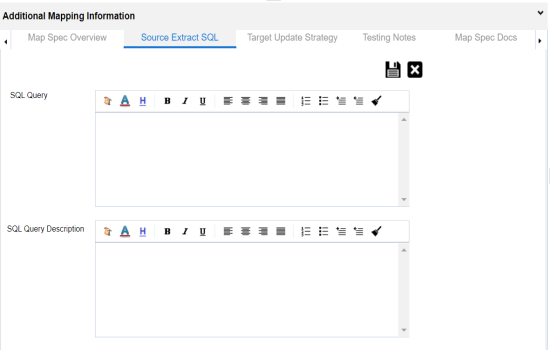
. - Enter SQL Query and SQL Query Description.
- SQL Query: Select * from dbo.RM_Resource
- SQL Query Description: - The query extracts the data from dbo.RM_Resource table.
- Click
 .
.
The Source Extract SQL tab appears.
For example:
The Source Extract SQL is updated.